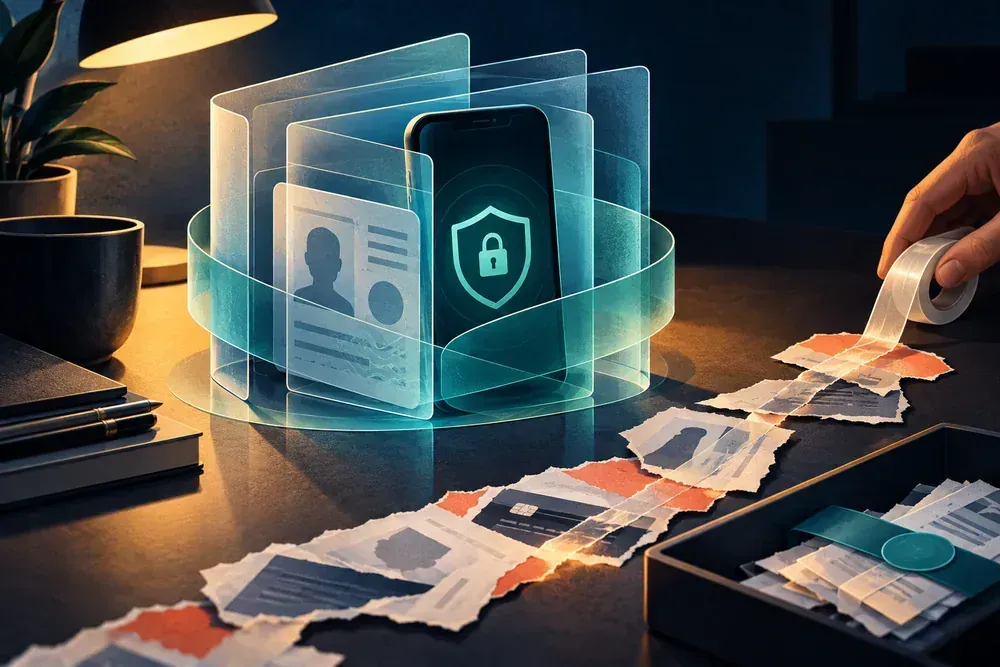
Regain control in this order
- Use a trusted device and the service's official recovery page.
- Change the password, revoke unknown sessions and verify recovery contacts and forwarding rules.
- Protect downstream accounts and save security alerts before deleting anything.
Recover the accounts in the order they can reset each other
Start with the account that controls recovery, not necessarily the account where you first saw the problem.
Email and phone
Restore the channels that receive reset links, security prompts and one-time codes.
Financial and identity accounts
End unknown sessions, change exposed credentials and report activity through official channels.
Connected services
Check cloud storage, social accounts and any service that reused the password or recovery address.
Remove access before investigating the full story
Start at the root
Primary email and mobile service often control recovery. Secure them first, revoke unknown sessions and verify recovery addresses and numbers.
Change unique credentials
Use a password manager to create unique passwords. If a compromised password was reused, replace it on every important account rather than making small variations.
Look for persistence
Attackers may add forwarding rules, app passwords, trusted devices or recovery contacts. A password change alone may not remove these.
Look beyond active sessions
Review app passwords, connected applications, mail filters, forwarding addresses, trusted devices, security keys and backup codes. An attacker can retain access through any one of these after a password reset.
Tell contacts only what helps
If messages were sent from your account, warn contacts through another channel. Say the account was compromised and ask them not to open recent links or send money. Do not broadcast sensitive details of the recovery.
Check for access that a password change can miss
Regaining the login screen is only the beginning. Review the settings an intruder could use to return or silently receive information.
- Sessions and devices
- End sessions you do not recognize and review devices marked as trusted. Record the approximate location, device label and last activity before removing them when the service shows those details.
- Recovery routes
- Verify recovery email addresses, phone numbers, backup codes and security keys. Remove changes you did not make, then protect the email and mobile accounts that receive future recovery requests.
- Hidden persistence
- Inspect mail forwarding, filters, app passwords, connected applications and delegated access. A new password may leave these routes active, especially in an email or cloud account.
- Downstream activity
- Search linked financial, shopping and social accounts for resets, new payees, changed addresses or messages sent during the compromise window. Report consequences through each provider's official process.
Record what was changed and when access was restored. If the provider gives a security case or recovery confirmation, keep it with the original alerts rather than deleting the evidence immediately.
If the incident reaches another account or record
If the primary mailbox controls recovery, secure the hacked email account before changing downstream accounts.
Repeated codes or approval prompts need the unexpected password-reset response.
Record signs of access and recovery
- List unfamiliar sign-ins, devices, forwarding rules, recovery details or security changes.
- Note which trusted device and official recovery route you used to regain control.
- Record every session revoked, credential changed and linked account checked afterward.
Questions that come up during containment
What if the recovery email was changed?
Use the provider's official compromised-account workflow and any earlier security notification that offers a reversal link. Avoid people selling recovery services in replies or direct messages.
Should I delete the account?
Recover and document it first when possible. Immediate deletion can remove evidence and may not secure other accounts that reused its credentials.
Processes, rights and deadlines depend on your location, provider and policy. Use the relevant official service for your jurisdiction.