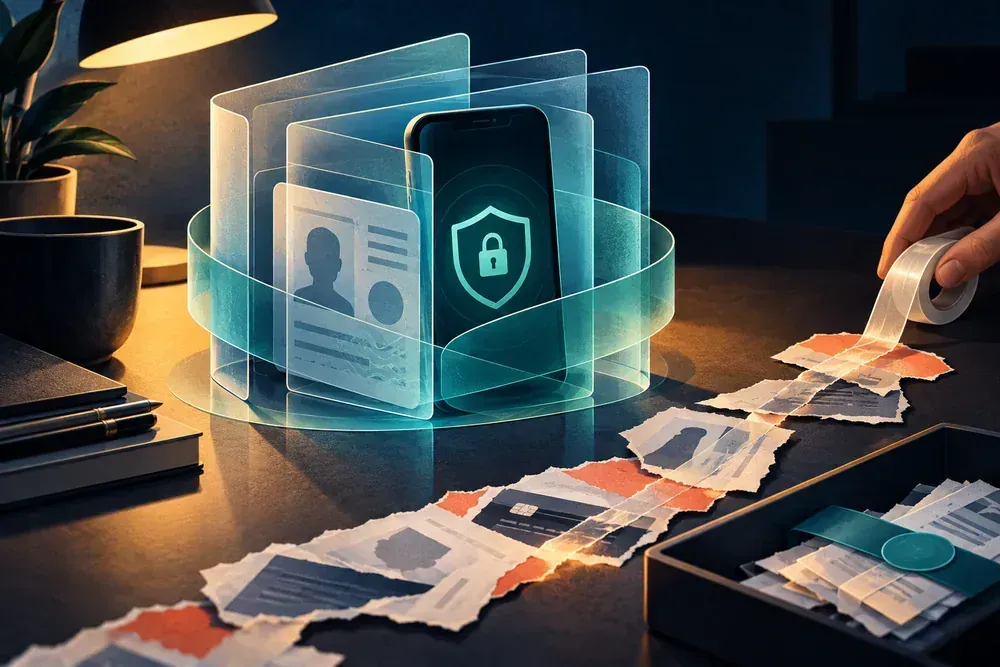
Restore the number and protect linked accounts
- Contact the carrier from another device and ask whether a SIM, eSIM or port change occurred.
- Request an account lock or PIN and preserve the carrier case reference.
- Secure email and financial accounts; replace SMS recovery where stronger options are available.
Work the carrier case and account case in parallel
Restoring mobile service does not automatically remove access from accounts that used the number for recovery.
Carrier track
Report the unexplained service loss, reverse unauthorized SIM changes and add a stronger account PIN or port protection.
Account track
Secure email and financial logins, revoke sessions and replace SMS recovery where a stronger method is available.
Contain the mobile account takeover
Confirm safely
From another phone, contact the carrier through its official support channel. Ask whether a SIM, eSIM or port change occurred and request an account lock.
Move authentication
After regaining control, prefer an authenticator app or hardware security key for important accounts where supported. SMS is better than no second factor but depends on the mobile number.
Check downstream accounts
Review email, financial, cloud and social accounts for password resets and changed recovery details during the outage window.
Build an outage window
Record the last successful call or text and the time service returned. Search email and account alerts within that window for password resets, new devices, transfers or changed recovery details.
Harden the carrier account
Ask which protections the carrier offers against porting and SIM changes. Use a unique account PIN and do not reuse it as a phone unlock code or banking PIN.
Reconstruct the mobile-service loss window
The time between the last normal use and restored service helps you find account changes that may have used the number.
- Carrier event
- Record the last successful call or text, first sign of service loss and time the carrier restored control. Ask whether the account shows a SIM, eSIM, port, device or profile change.
- Carrier protection
- Write down the new account PIN or port protection only in a secure password manager, not in the incident log. Record the name of the protection and the case reference without storing the secret itself.
- Reset activity
- Search email and security notifications within the outage window for password resets, new devices, one-time-code requests and changed recovery methods. Start with email and financial accounts.
- Stronger recovery
- Where supported, replace SMS recovery with an authenticator app or security key after the device and account are trustworthy. Keep backup methods secure and confirm the old number is no longer the only route.
Loss of signal alone does not prove a SIM swap. The carrier must check the account, and ordinary outages or device faults can produce similar symptoms.
If the incident reaches another account or record
If the missing number was tied to a stolen handset, also contain the device and digital-wallet access.
Once service is restored, check the email account that controls recovery for unfamiliar sessions and rules.
Record the mobile-account takeover
- Note when service stopped and any carrier messages or account-change notices received beforehand.
- Record the carrier fraud case, restored SIM or eSIM status and account PIN change.
- List accounts tied to SMS recovery and the stronger recovery method enabled for each one.
Questions that come up during containment
Is no signal proof of a SIM swap?
No. It can have ordinary causes. The carrier must check the account activity.
Is an authenticator app always safe on the stolen phone?
It is not dependent on the phone number, but the device still needs a strong lock and secure recovery. Follow each provider's recovery process.
Processes, rights and deadlines depend on your location, provider and policy. Use the relevant official service for your jurisdiction.